Speak. It writes.
Talk the way you normally do — Hinglish, English or Hindi — and JustSay types clean, punctuated text into WhatsApp, Gmail, Chrome or any app.
 JustSay
Works wherever you type
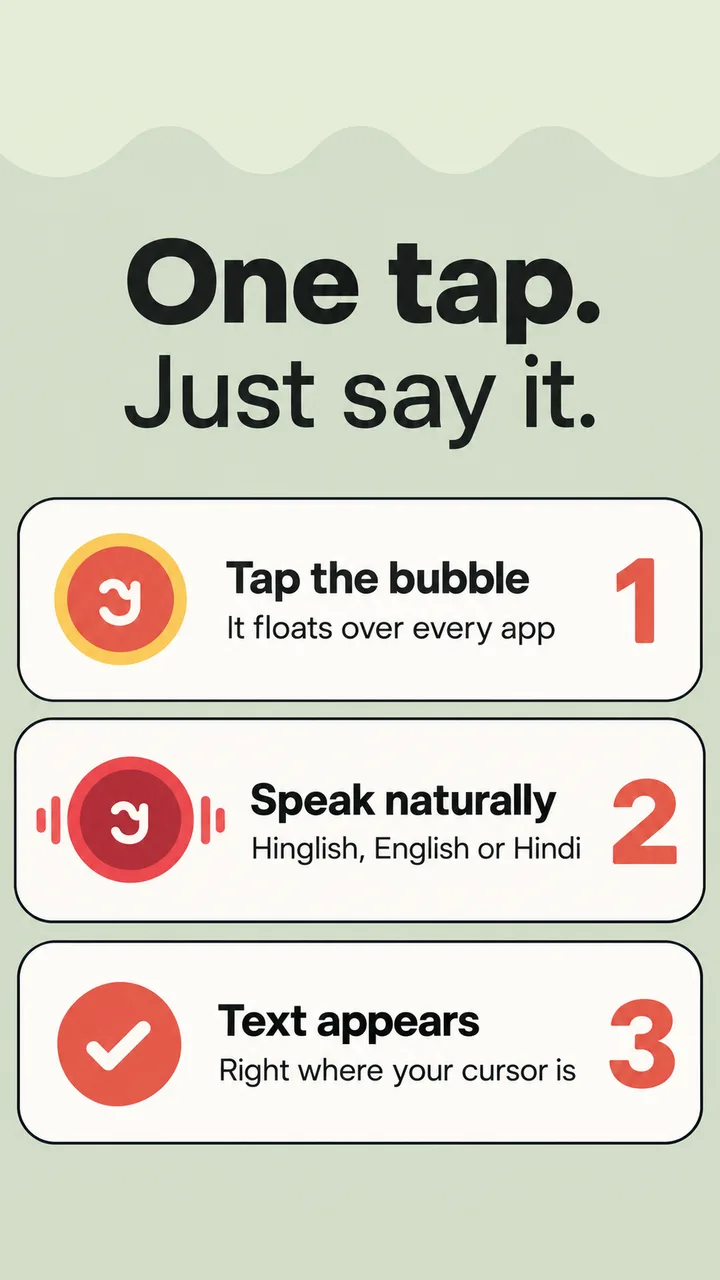
One tap. Just say it.
No new keyboard to learn. A small bubble floats over your apps — tap it whenever you want to write.
Tap the bubble
It floats over every app, ready when you are.
Speak naturally
Hinglish, English or Hindi — switch mid-sentence.
Text appears
Polished and placed right where your cursor is.
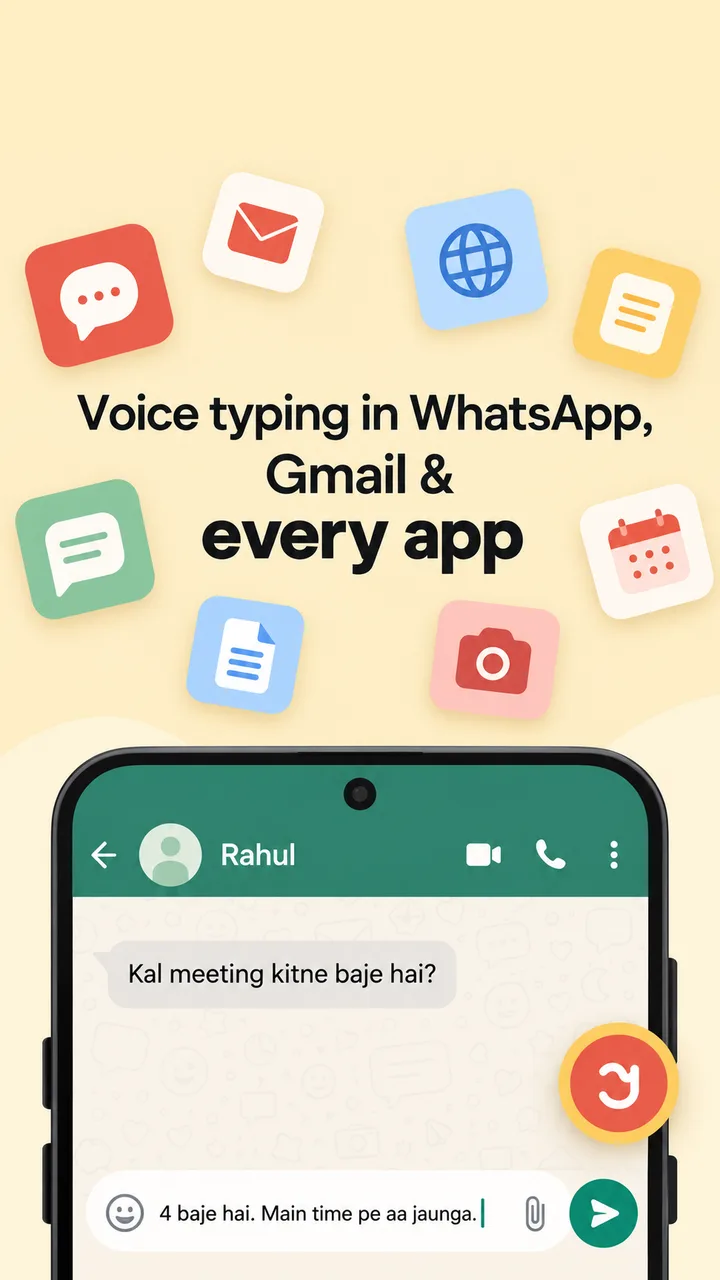
Voice typing that just works.
Built for the way India actually talks — mixed languages, quick messages and busy days.
Hinglish native
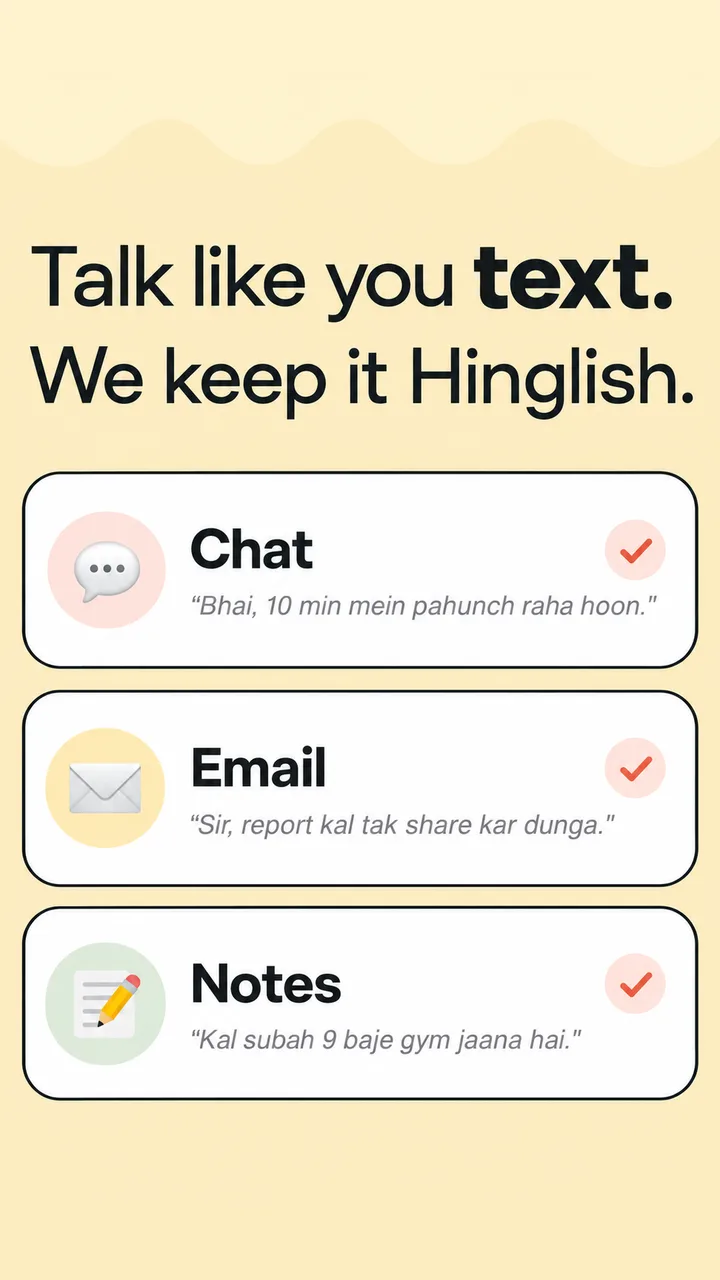
Mix Hindi and English in one sentence. JustSay keeps it the way you said it — no forced translation.
Smart polishing
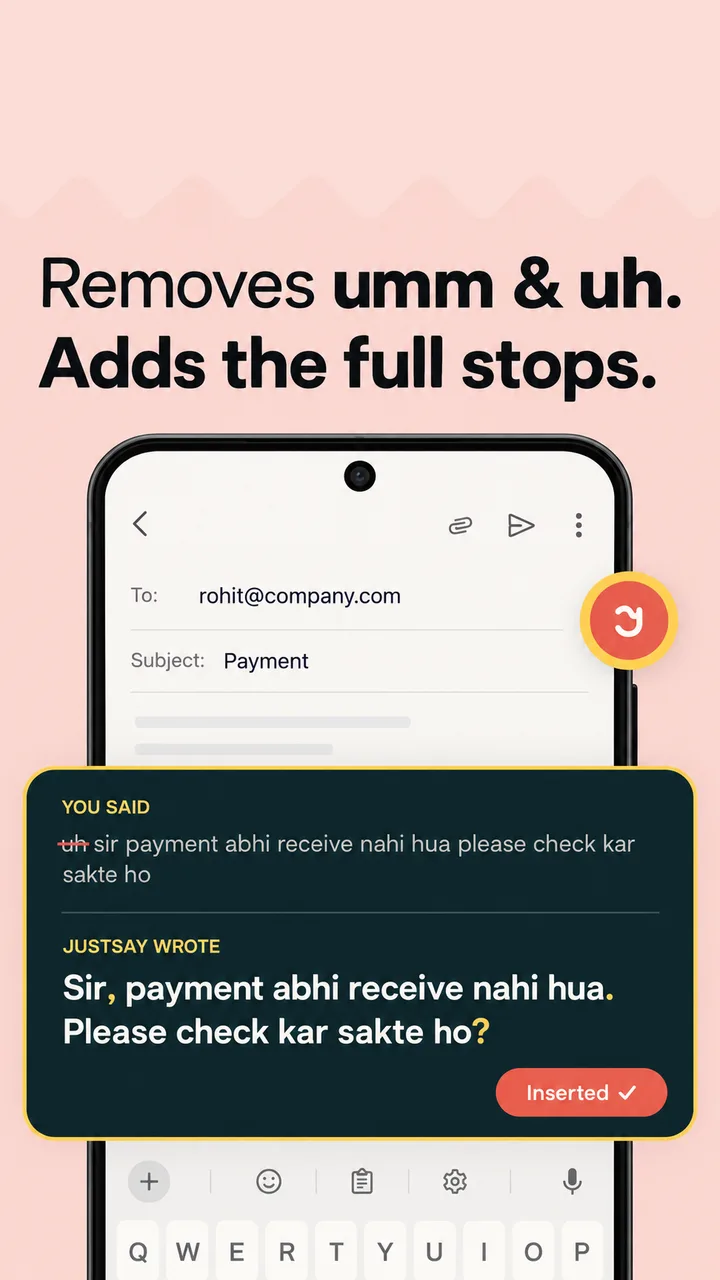
Removes “umm” and “uh”, adds commas, full stops and capitals. Ready to send.
Works in any app
WhatsApp, Gmail, Chrome, Notes — anywhere there's a text box.
Faster than typing
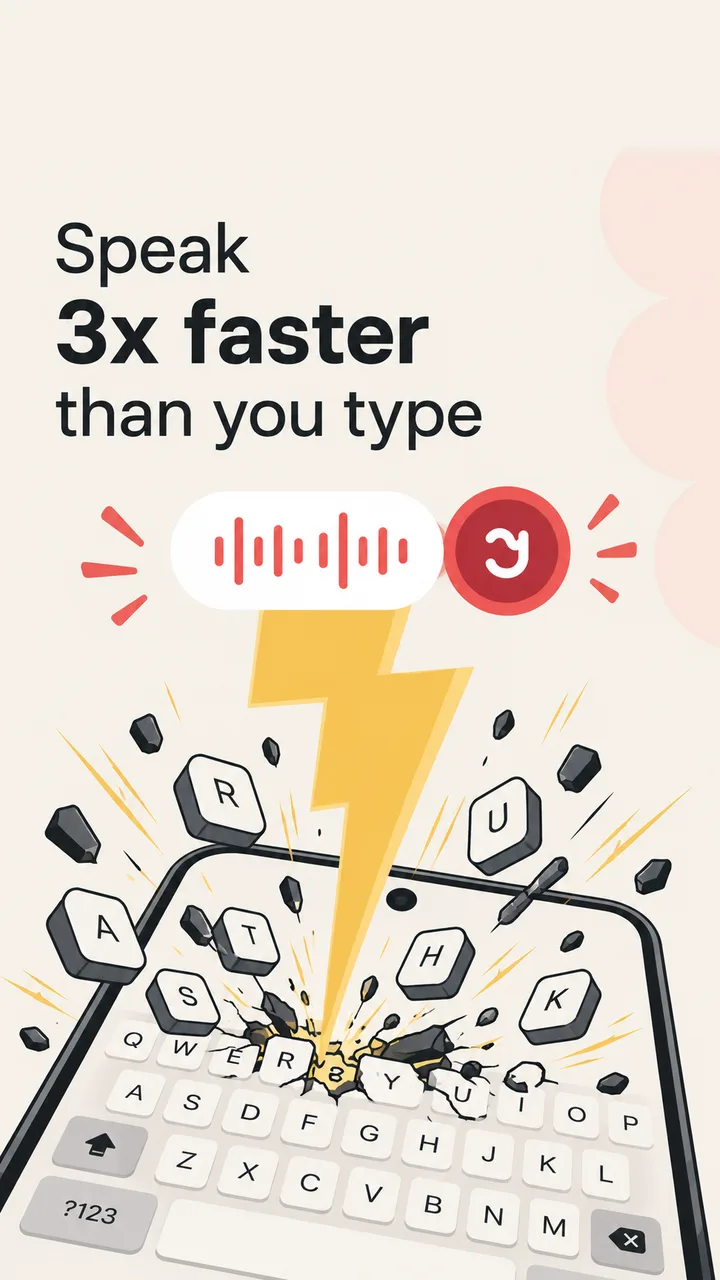
Speaking is about 3x faster than thumb-typing. Long replies take seconds.
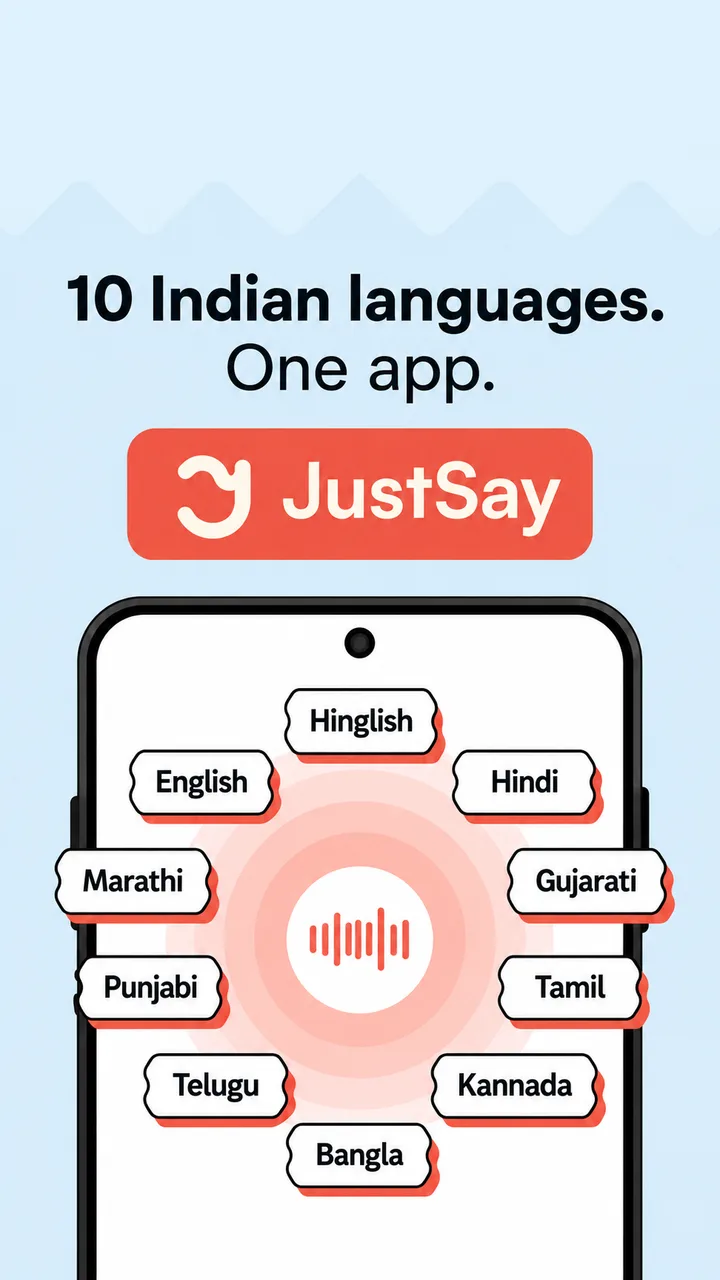
10 Indian languages
Hinglish, Hindi, English, Marathi, Gujarati, Tamil, Telugu, Kannada, Bangla and Punjabi.
Private by design
Speech is recognised on your phone. No recordings are saved or sent to our servers.
Talk like you text. We keep it Hinglish.
10 Indian languages. One app.
Start with Hinglish, English or Hindi, and switch to your regional language any time.
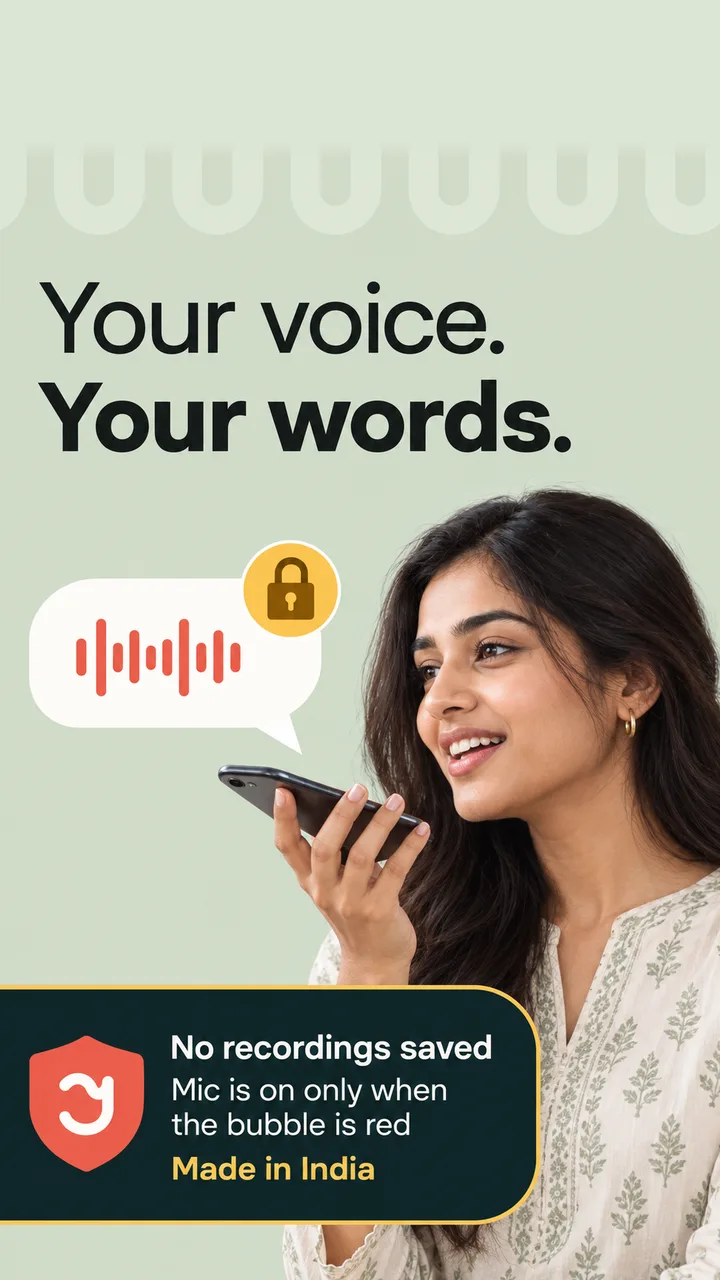
Your voice. Your words.
- No recordings savedYour voice is never stored or sent to our servers.
- Mic is on only when the bubble is redYou always know when JustSay is listening.
- On-device recognitionSpeech is converted to text on your phone using Android’s speech engine.
Inside JustSay.
Screens from the app, straight from Google Play.
Which apps does JustSay work in?
Any app with a text box — WhatsApp, Gmail, Chrome, Instagram, Telegram, Notes and more. Tap the floating bubble, speak, and the text is inserted where your cursor is. If an app blocks insertion, JustSay copies the text so you can paste it.
Does it understand Hinglish?
Yes — Hinglish is what JustSay is built for. Mix Hindi and English freely; JustSay keeps your words as you said them and only cleans up fillers and punctuation.
Is my voice recorded or uploaded?
No. Speech is converted to text on your device using Android’s speech recognition engine. JustSay does not save recordings or send your voice to our servers.
Why does JustSay need these permissions?
Microphone to hear you, “display over other apps” to show the bubble, and Accessibility to type the text into other apps. Accessibility is used only for inserting text.
Is JustSay free?
JustSay is free to download on Google Play. Some advanced features may be part of a paid plan, shown clearly in the app before you buy.
Which phones are supported?
Android phones running Android 8.0 or newer.
Ready to type faster?
Download JustSay and start speaking instead of typing. Your thumbs will thank you.
Download on Google Play